There's a satisfying arc to a great vanlife adventure: you find a spot, you add it to your bucket list, you plan a trip around it, you go, and then — until now — the story kind of just ended there. Maybe you tell a few friends. Maybe you think about going back. But the spot you discovered, the one that made the trip, would sit in your memory without finding its way to anyone else who might love it too.
We've closed that loop. When you complete a bucket list destination in Grover, the app now automatically kicks off the pin creation flow. The moment a place goes from "want to go" to "been there," Grover makes it seamless to share it with the community — no hunting through menus, no starting from scratch, no friction between the experience and the contribution.
It's one of the most natural things we've ever shipped, and we're not sure why it took this long. Vanlife is about paying it forward. You find a spot because someone else shared it. The bucket list completion loop is how we make that cycle automatic.
The Flow, Step by Step
Step 1: Add a Spot to Your Bucket List
There are three ways to add a destination to your bucket list in Grover:
- Tap and hold anywhere on the map to drop a bucket list marker at that location.
- Save someone else's pin — any community pin can be saved to your bucket list in one tap.
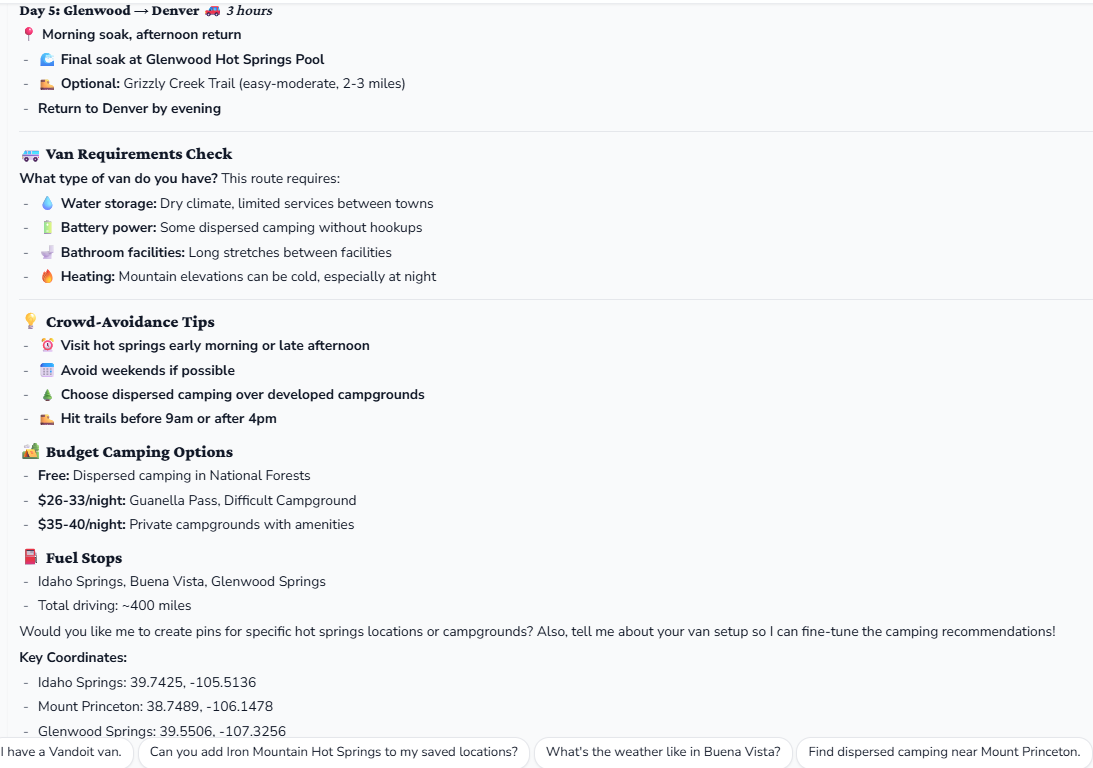
- Ask your Grover agent — during trip planning, your agent can add suggested spots directly to your bucket list from the chat.
Step 2: Go There
Do the trip. See the place. Live the story. The app will be waiting for you when you get there.
Step 3: Complete It
When you're at the location (or just back from it), tap your bucket list marker on the map. You'll be prompted to upload a photo of yourself there. Here's the part that matters: if your GPS position is within 500 meters of the original coordinates, the bucket list spot converts to a real community pin — and the pin creation flow launches automatically.
Within 500 meters of your saved spot + a photo = pin created. The location is already anchored. You add your perspective, and the community gains a new spot to discover.
All you do from there is fill in any details worth sharing — access notes, what makes it special, what to watch out for — choose your sharing settings, and submit. The whole thing takes about 90 seconds.
Why the Closed Loop Matters
The Trophy Map is only as good as the community that contributes to it. Every pin you see was put there by someone like you who had a good experience and wanted to share it. But contributions require a moment of intentional friction — you have to stop and think "I should add this" and then navigate to the pin creation flow and fill in the form.
That friction is small, but it's enough. People forget. The trip ends, the drive home happens, the moment passes. The spot you found — the one that made the whole weekend — never makes it onto the map.
By triggering pin creation at the moment of bucket list completion, we're surfacing the contribution prompt at exactly the right psychological moment: right when you've just done the thing and the memory is fresh. You're still standing in that spot, or you just drove away from it. That's when the details are vivid, the photo you took is right there in your camera roll, and the motivation to share is highest.
"The best time to share a spot is right after you've visited it. That's the moment we're designing around."
This is also how great community content gets made. Not through obligation, but through well-timed momentum. The bucket list completion turns adventure into contribution automatically.
Build Your Bucket List Today
If you haven't built a bucket list in Grover yet, this is a great reason to start. Add spots from the community map that you've been meaning to visit. Save LandTrust properties from the new LandTrust layer. Ask your agent to help you plan a route around a handful of destinations you've had your eye on.
Then go. And when you get back from a spot that lives up to the hype, you'll see the pin creation flow waiting for you. Add your photo, write two sentences about what made it worth the detour, and share it. It takes about 90 seconds, and it means the next person who finds that spot does so because you cared enough to tell them about it.
That's how great communities are built — one shared experience at a time. Welcome to the loop.
Need help building your first bucket list or figuring out what spots are worth adding? Chat with your Grover agent — it knows the map, knows your style, and can help you put together a list worth exploring. And once you've got pins on the board, check out the Stats & Trophy system to see how your contributions stack up.
Start Your Bucket List
Download Grover, save the spots you've been dreaming about, and let the app help you turn every adventure into a contribution to the community map.